
















How to Upgrade from OHO to OHO Plus?
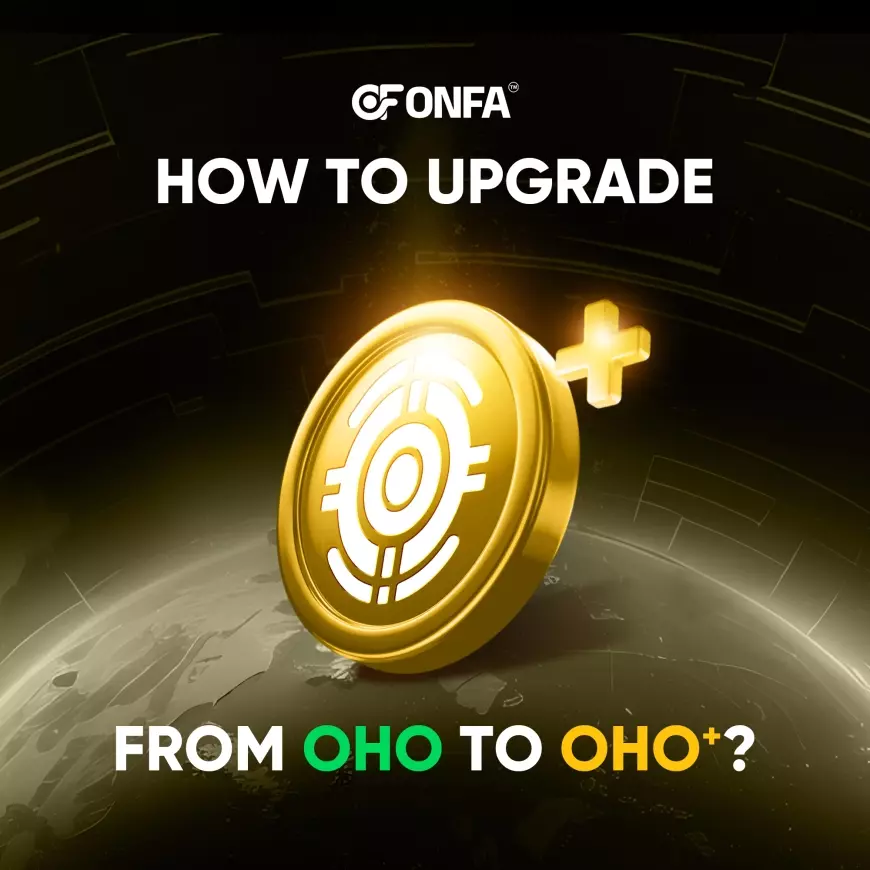
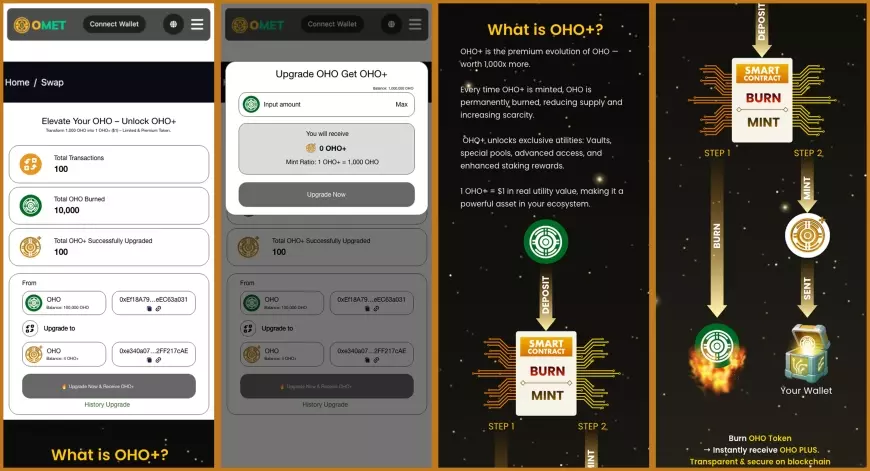
ONFA is proud to announce the official launch of the OHO → OHO+ Upgrade feature on OMET. This marks an important milestone in expanding the ecosystem, enabling users to access the new value layer of OHO through a scarcity-driven mechanism.
What is OHO+?
OHO+ is the upgraded version of OHO – designed to represent a higher-value, more exclusive asset. The Upgrade process requires burning OHO at a fixed ratio (1,000 OHO = 1 OHO+), thereby reducing the circulating supply of OHO and increasing scarcity.
This scarcity is the foundation for the long-term value of OHO+.
How to Upgrade
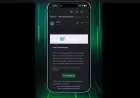
On OMET
-
Connect your BSC wallet to OMET.
-
Navigate to Home → Upgrade.
-
Enter the amount of OHO to Upgrade (multiples of 1,000).
-
Confirm to receive OHO+.
Smart Contracts (BSC Network)
For transparency and security, ONFA publishes the official smart contract addresses:
OHO: 0xEf18A794118BBcea61640cF583B505ceEC63a031
OHO+: 0xe340a07E5C02BAe32f3265dDFe1BEa52FF217cAE
Users can verify directly on BSCScan to ensure transparency and trust.
Note: The process only supports one-way Upgrade from OHO → OHO+.
Conclusion
The OHO → OHO+ Upgrade feature not only provides a new experience for the ONFA community but also establishes a sustainable approach to supply-demand management, enhancing long-term value for investors.
Holding OHO+ means holding a scarce asset with the potential to unlock greater privileges and value in the future.
Try it today on ONFA Wallet and OMET to get ahead of the curve with ONFA!
What's Your Reaction?