


























Enable Touch ID / Face ID on ONFA – Lightning-Fast Login, Superior Security!
Have you ever felt frustrated entering your password every time you log into an app? Are you concerned about account security? Now, with Touch ID / Face ID on ONFA, logging in is quicker, more convenient, and more secure than ever. With just a single touch or a facial scan, you can unlock your account instantly—no password, no waiting!
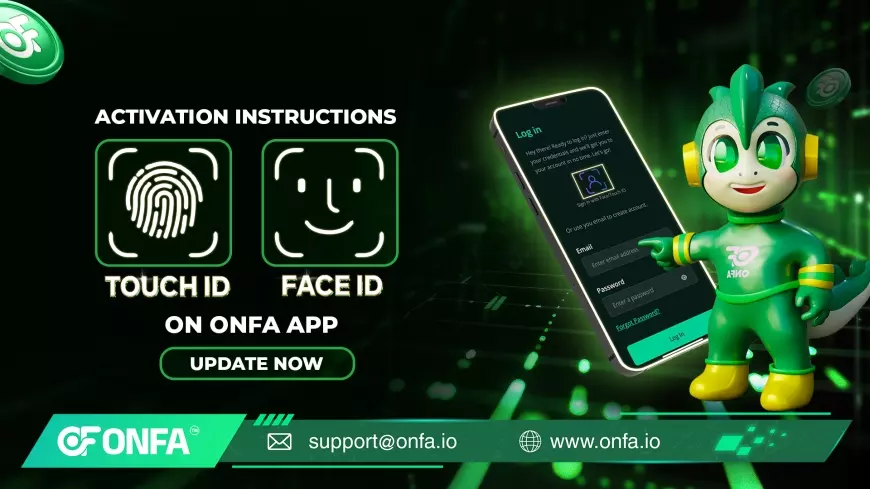
Why Should You Enable Touch ID / Face ID on ONFA?
- Lightning-fast access – Log in instantly without typing a long password.
- Enhanced security – Biometric recognition technology ensures top-tier account protection.
- Unmatched convenience – Just one tap or a quick facial scan gives you instant access to ONFA.
How to Enable Touch ID / Face ID on ONFA:
- Open the ONFA app on your phone and go to Settings.
- Scroll down and enable “Login with Touch ID / Face ID.”
- When prompted, select “Allow” to grant the necessary permissions.
- Log out of your ONFA account.
- Open the ONFA app again, select “Login with Face ID / Touch ID”, and experience seamless access instantly.
Important Notes:
- Ensure that your ONFA app is updated to the latest version to use this feature.
- Don’t miss out—update now for the best experience.
Upgrade ONFA today to enjoy ultimate convenience and top-notch security. With Touch ID / Face ID, logging in takes just a second while keeping your account fully secure. No more hassle with passwords—just a single tap, and you're ready to transact. Stay tuned for the latest ONFA updates and experience smarter, more efficient digital finance every day.
What's Your Reaction?